Description
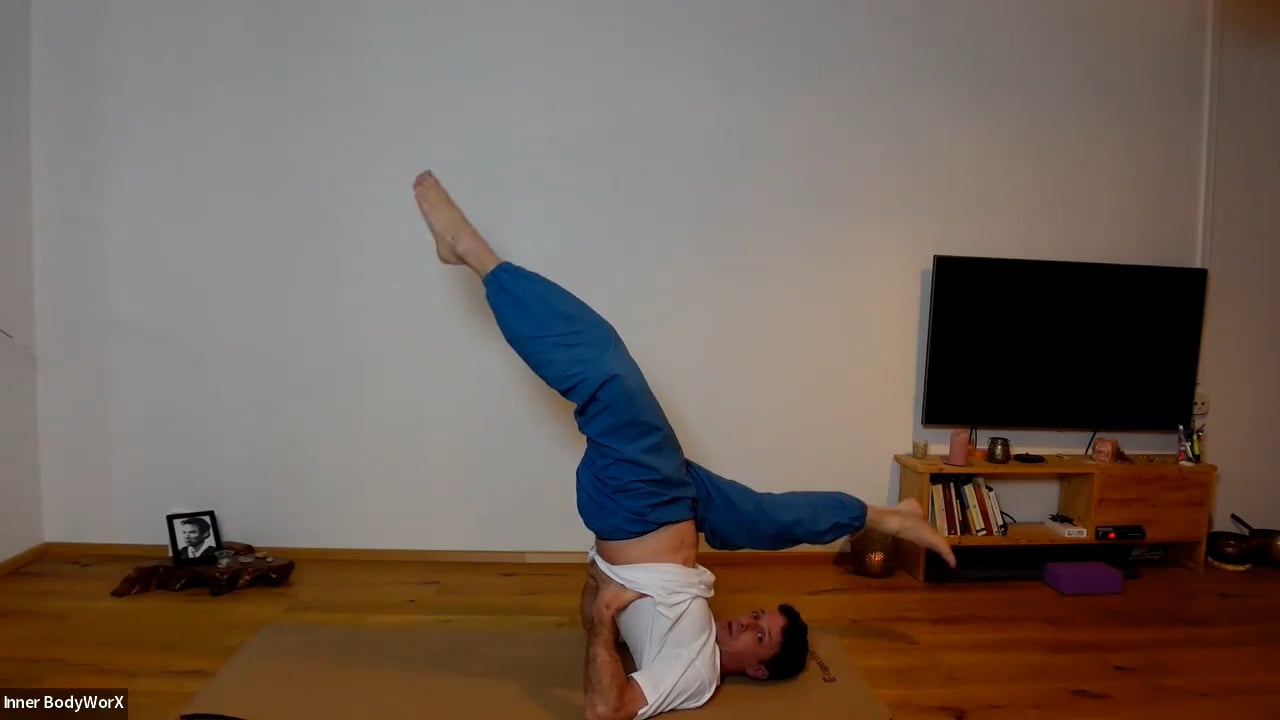
Be guided through the Full Sundo Practice in the comfort of your own home.
No previous experience or fitness level is required.
The Class is divided into 5 parts:
- Warm-Up Exercises
- Breathing Meditation
- Qi Distribution Exercises
- Internal Organ Exercises
- Strengthening Exercises.
Time: Mondays and Wednesdays 6:10 – 7:30 (CET)
Instructor: Paul Renall
If you have never participated in a Sundo Class please view the following Video to understand the breathing rhythm;
https://www.youtube.com/watch?v=DoBMxfhCBNk&t=84s
If you would like to learn more about Sundo before following an Online Class, we highly recommend the SunDo Beginners Course. In this course, we progressively go through each section, learning one movement or posture at a time. The foundation, the breathing, is explained in detail.
It will completely change your practice.
How will I join the class:
Once your order has been processed, a generated email from the Online Store will send you an Invite link and your Zoom Meeting ID and password.
Reception starts 5 minutes before the class.
How to use Zoom:
1. Zoom needs to be installed on your computer or phone
https://zoom.us/download
2. To use Zoom, you need to know the buttons in the zoom window:
– Bottom left (Mute / Un-mute, Stop Video / Start Video)
This will allow you to turn off the sound or image of your computer.
Only logged in customers who have purchased this product may leave a review.

Reviews
There are no reviews yet.